
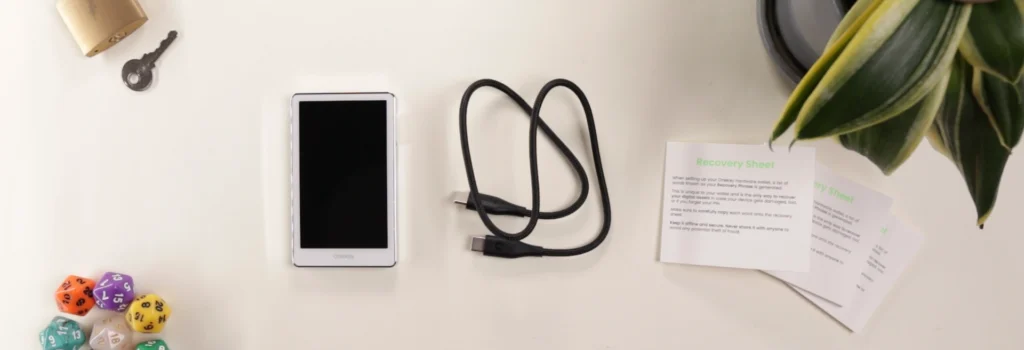
What‘s Inside The Box?
OneKey Pro: One Humongously Tragic Design Flaw
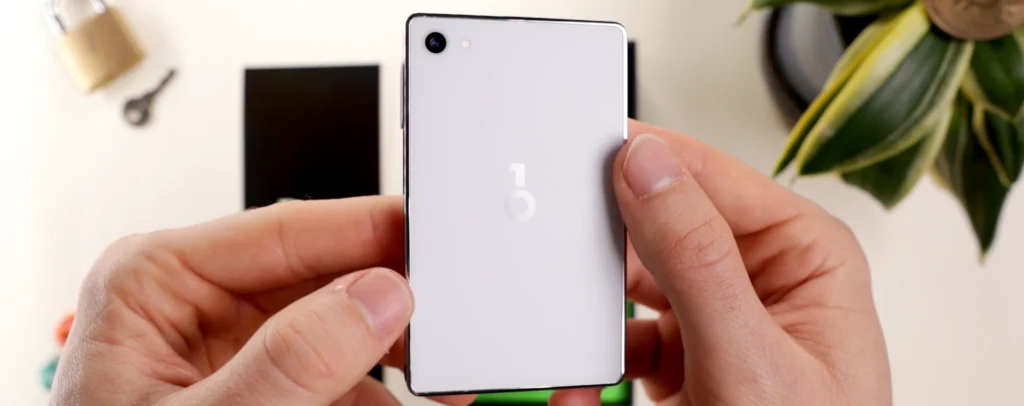
OneKey Pro is the first matte white device we’ve seen, with a glossy smooth aluminum alloy skirting.
At 65g, the device feels quite comfortable in the hand.
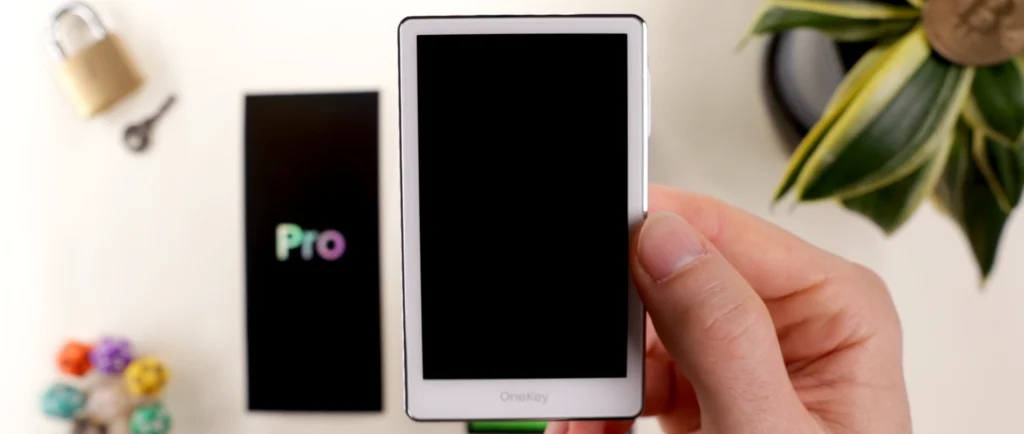
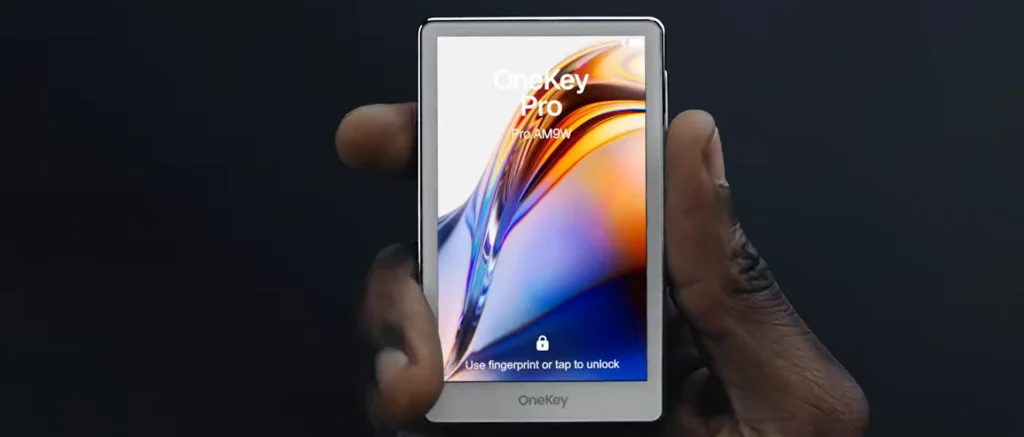
The large 3.5″ IPS color touchscreen allows for crisp details and clear transactions while signing, at 480×800 resolution. Additionally, the screen is made from oleophobic top glass, which repels oil, grease, and smudges.
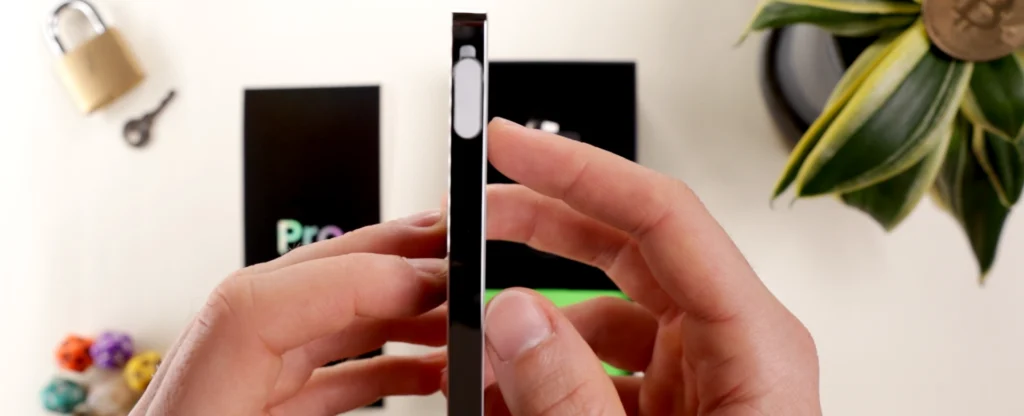
From the start, its shocking how bright and clear this screen can actually get. Much different from e-ink screens, giving a closer feel to smartphones.
Haptic feedback is added on this device to give a slight buzz when buttons are clicked, just like on smartphones.
It’s an interesting choice to add a HD camera with a flashlight, giving users the option to use the wallet using QR scanning similar to wallets such as Safepal and Ellipal.
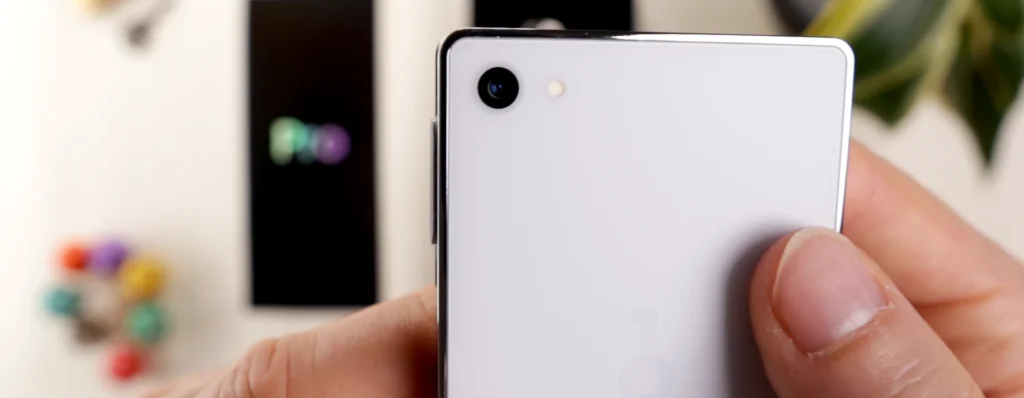
We can also use this wallet in the traditional style.
Coming in five times stronger than the OneKey Classic 1S, the Pro hosts a 530mAh Lithium-ion battery. But due to being a more powerful, demanding device, it’s difficult to say how well battery life will perform over time, with some users saying the battery dies in just a few days.
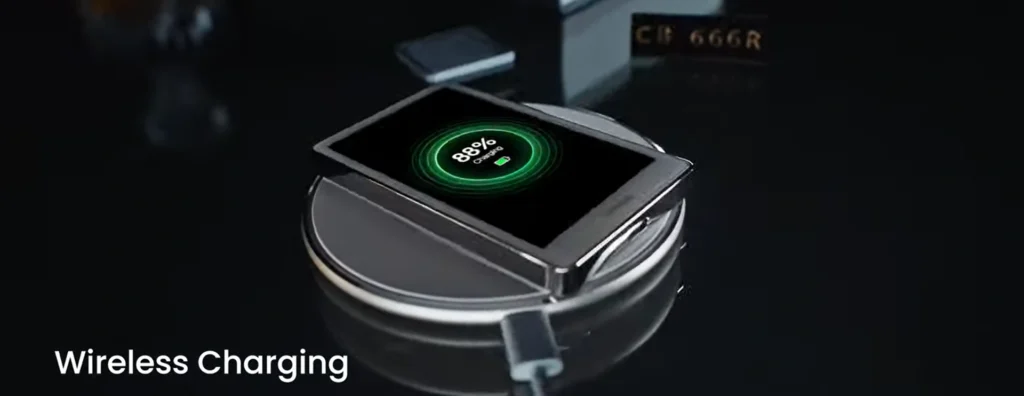
Users can use the device either through the included USB-C to C cable, Bluetooth, or QR scanning using the camera. And there’s also functionality for NFC.
The Pro also has QI Wireless Charging, which can be slightly more convenient.
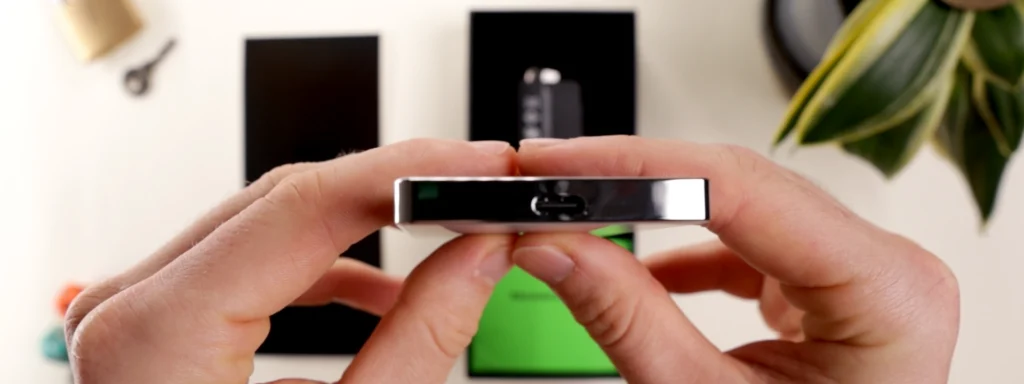
A final unique hardware feature is the fingerprint sign-in sensor, uncommon on signing devices.
Usually we don’t talk about durability so early, but there was one major flaw that couldn’t be ignored.
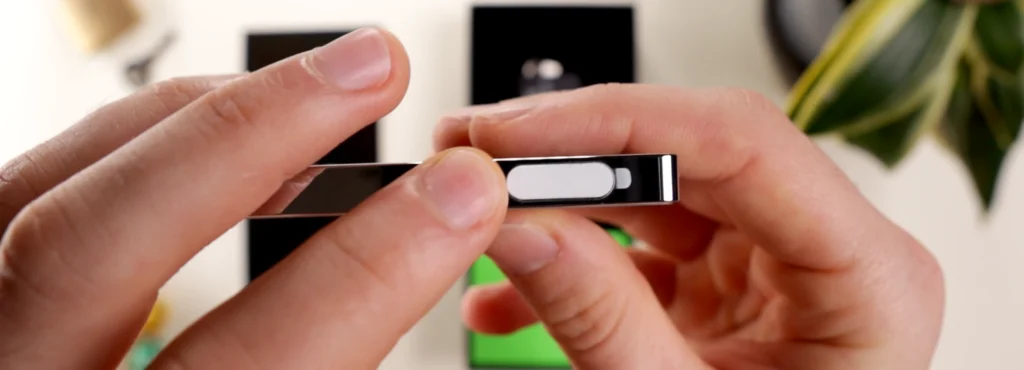
First off, the bend test. When bent through the middle and also when twisted at both ends, we can clearly see part of the device sticking out. But no matter how hard we tried, no cracks or snaps occurred, although device integrity is still worrying.
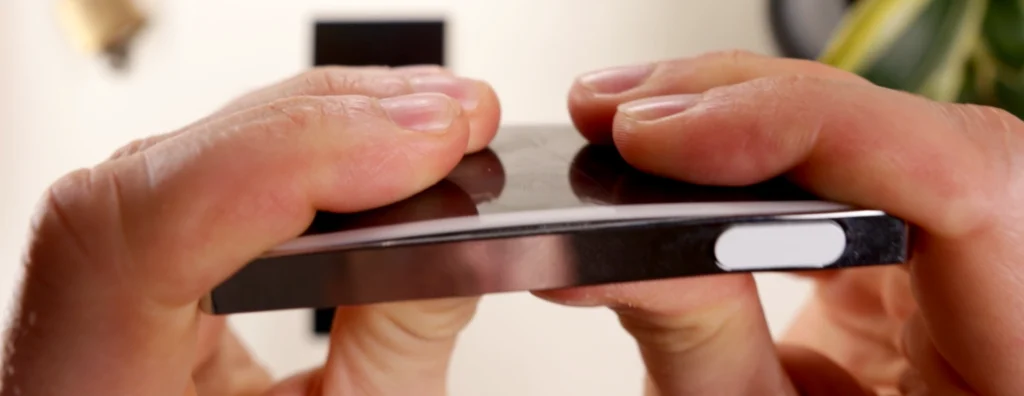
BUT… the far more concerning part is the fingerprint sensor button. Look how easy it was to peel the button off the device… tragically easy to be frank. Once off, there was no way to reattach or fix it.
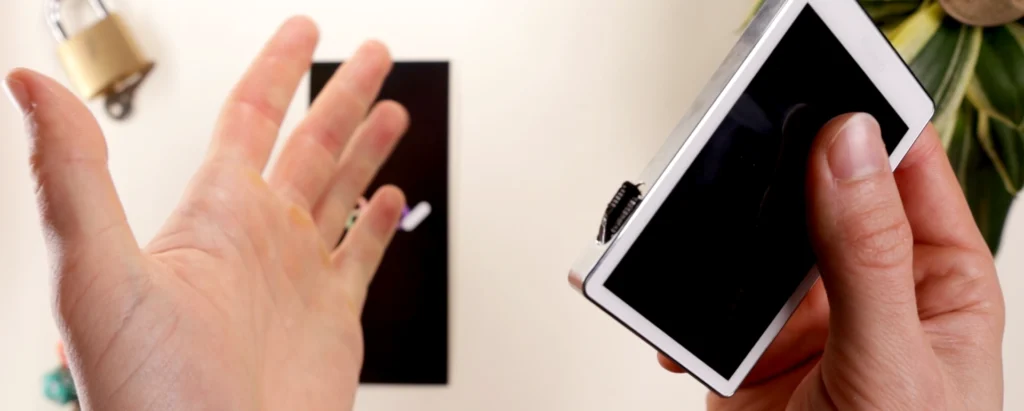
As you can see, this rendered the button and sensor unusable.
Shocked by this finding, it was only fair to test some other devices to be completely fair.
Ledger Flex, Ellipal Titan 2.0, and Safepal S1 couldn’t peel the button off.
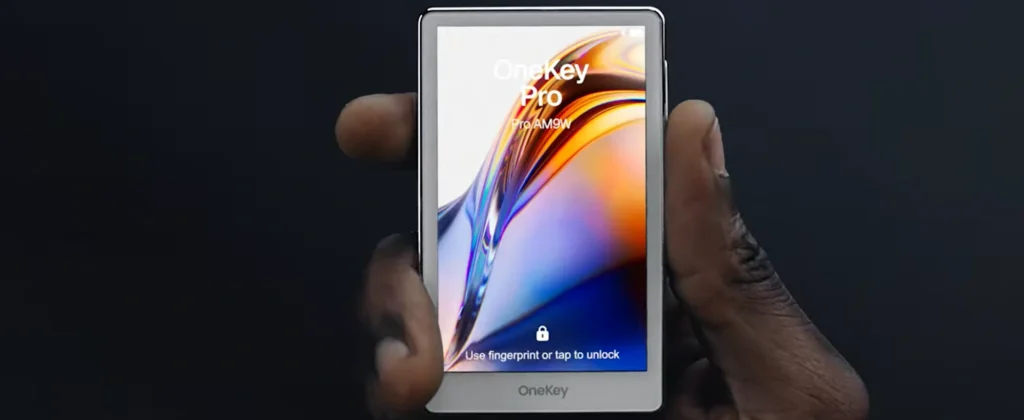
For a $278 device, this is highly unacceptable and needs to be improved in future iterations to earn its claim as a premium hardware wallet.
And this flaw brings to question the build quality and longevity of the device as a whole.
The Normal Crypto Setup With OneKey Classic 1S
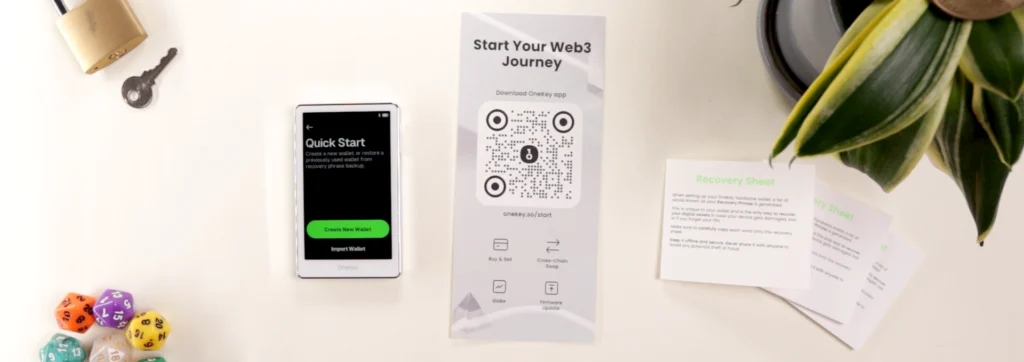
OneKey Pro works on all mainstream devices.
After booting up the device, choose a language and press ‘create new wallet’.
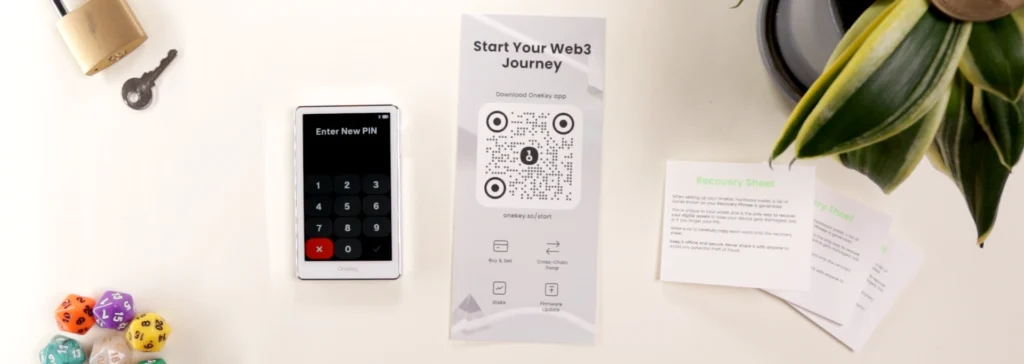
Then enter a pin code for brute force protection.
Add a fingerprint as an additional way to unlock the device. Basically just hold your thumb in different areas, which was a bit buggy and inaccurate.
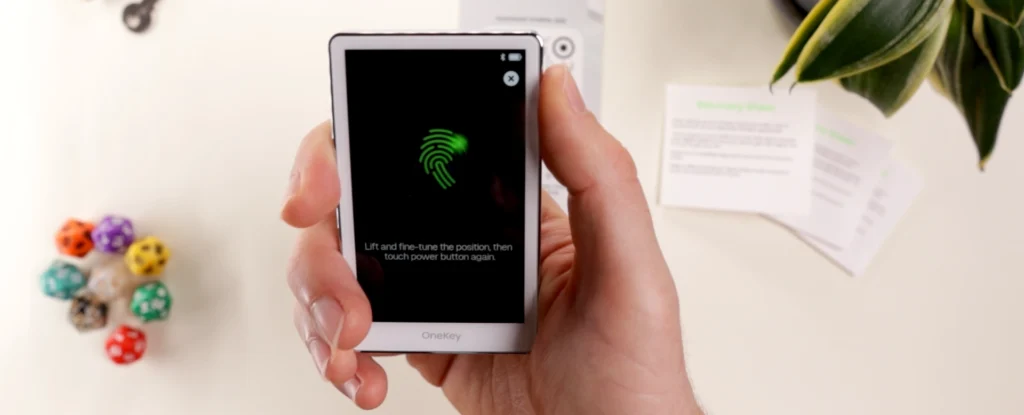
Confirm the prompts and write down the 24 word recovery phrase, remembering to stay away from cameras.
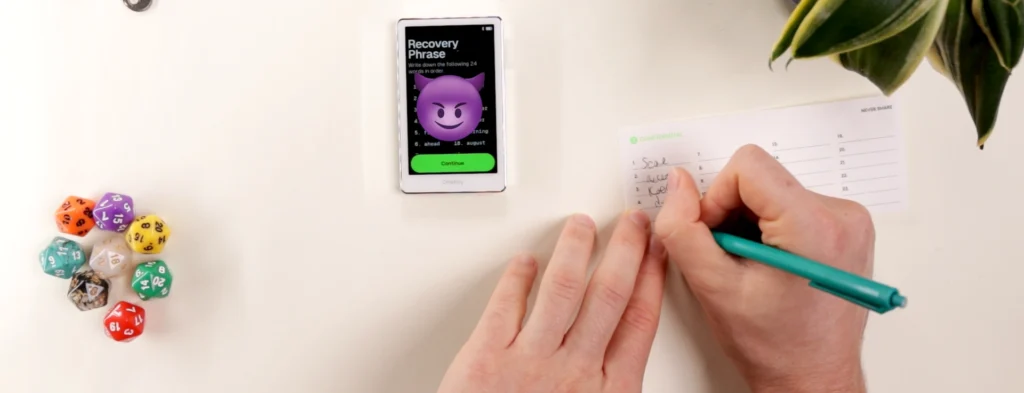
Confirm all 24 words on the signing device.
Next, download OneKey app.
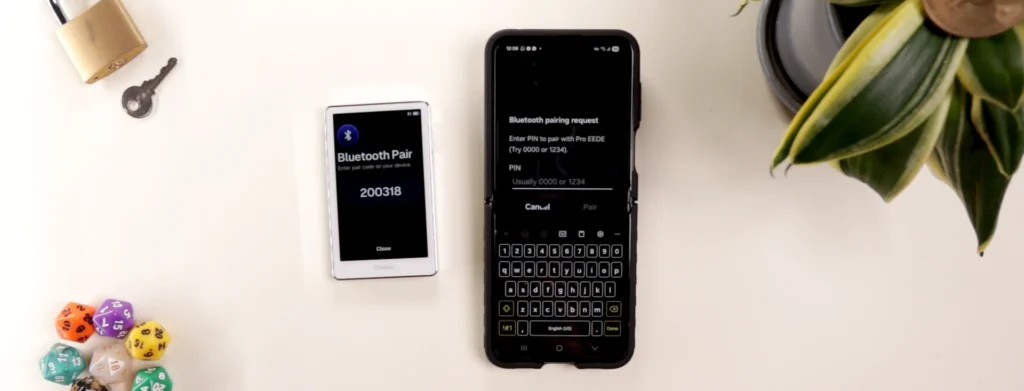
Click ‘Connect Hardware Wallet’, and connect the device through either Bluetooth or QR scanning.
On the Pro device, click ‘Connect App Wallet’.
Press the Pro EEDE device on the mobile wallet and a Bluetooth pairing number should appear. Enter that on mobile and device authentication will begin.
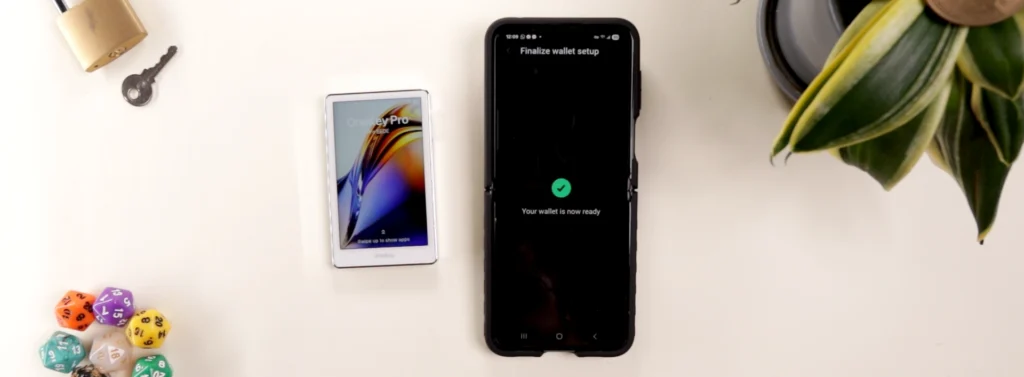
Wait for final setup and wallet creation, and we’re taken into the OneKey app.
OneKey App: A Nearly Perfect Wallet Experience

OneKey app is one of the best wallet apps on the market.
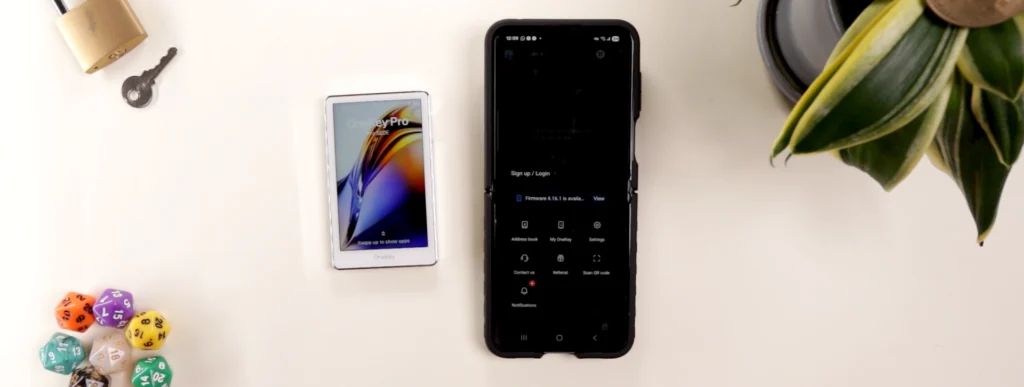
The most unique feature is this popup dashboard for quick navigation selection.
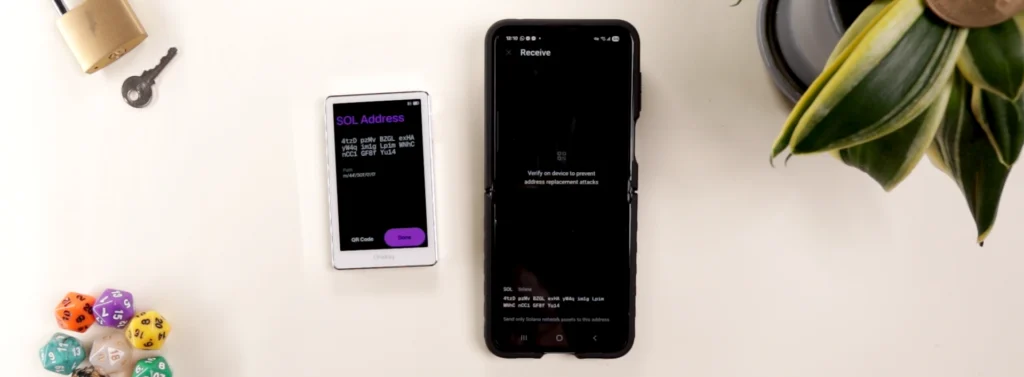
To receive assets, click on the token and press receive. Verify the device to gain access to the wallet address. After sending, the tokens should promptly appear in your account.
To send tokens, click ‘send’, select the token, enter the address and amount, and click ‘preview’.
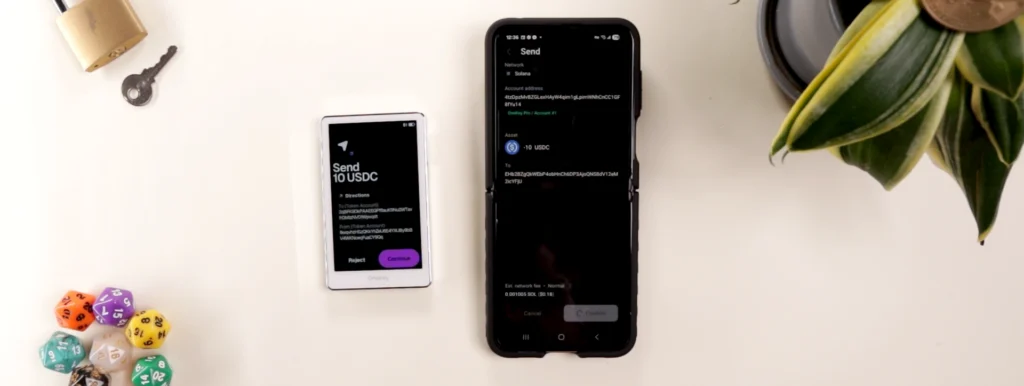
On the first try the transaction failed, but after pressing confirm a second time, all details appeared in purple on the hardware wallet clearly. Select continue and slide to sign the transaction.
After waiting a minute, the transaction failed again. Clicking confirm a third time, it eventually went through.
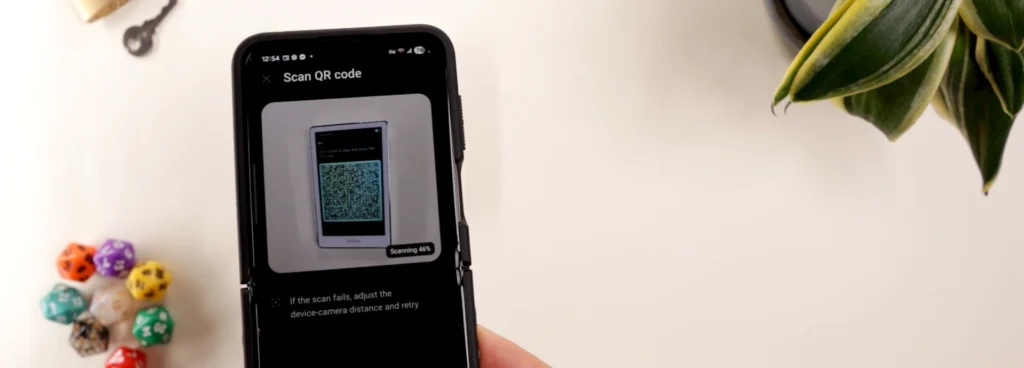
Users can also switch to a QR ‘airgapped’ mode to send as well. But no matter how many times we tried, the feature didn’t work. But this could be a problem on our end.
After clicking on account, we can generate hidden wallets. As you can see, this gives extra functionality that many other wallets don’t have in an easy to use interface to create multiple wallet addresses.
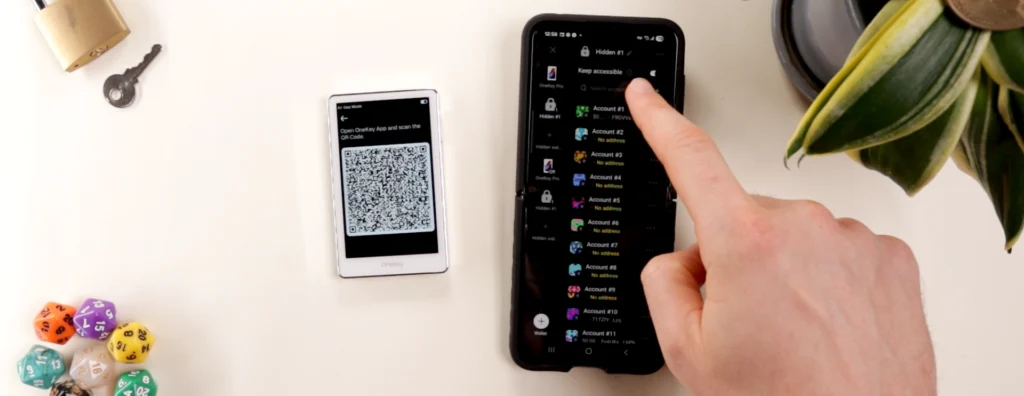
Other features on the app include swapping, buying, selling and staking.
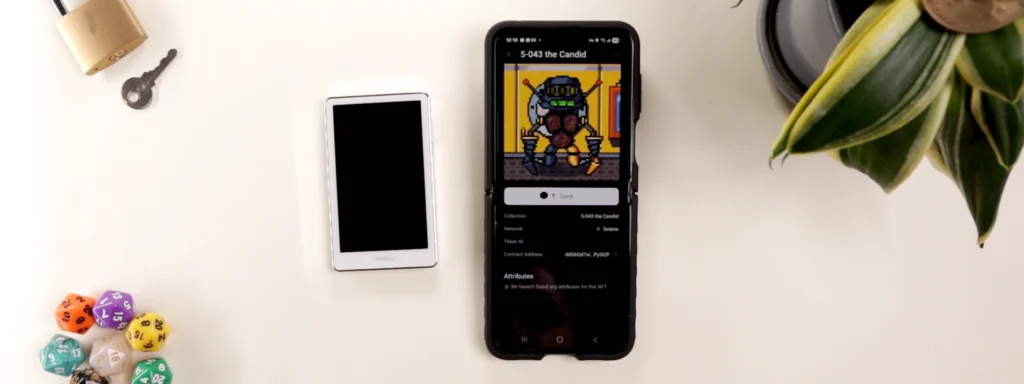
OneKey is also a great place for NFTs, with an excellent UI allowing users to store them away from hot wallets.
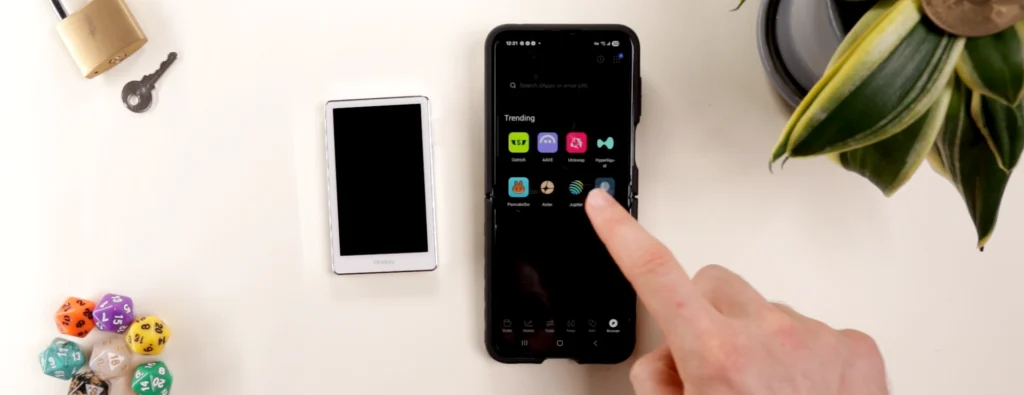
For those wanting dapp integrations, the dapp section is one of the easiest to use, allowing connections to popular sites such as Jupiter exchange.
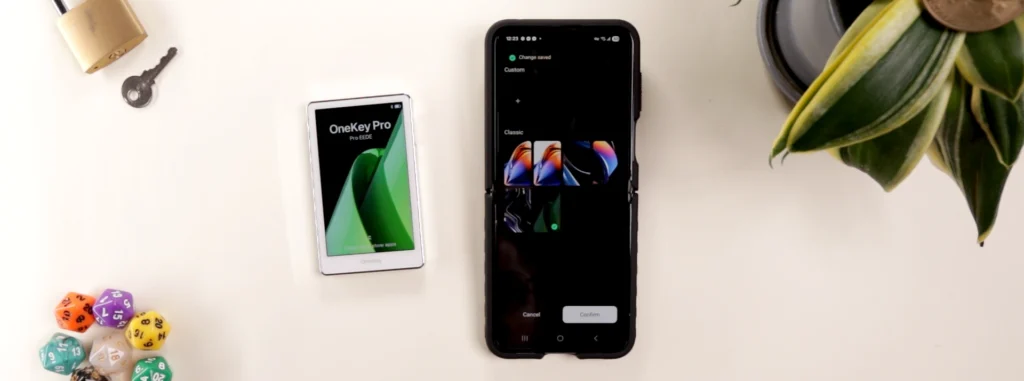
For customizability, upload a custom home screen or choose from a few default options.
Excellent Token Support With OneKey App
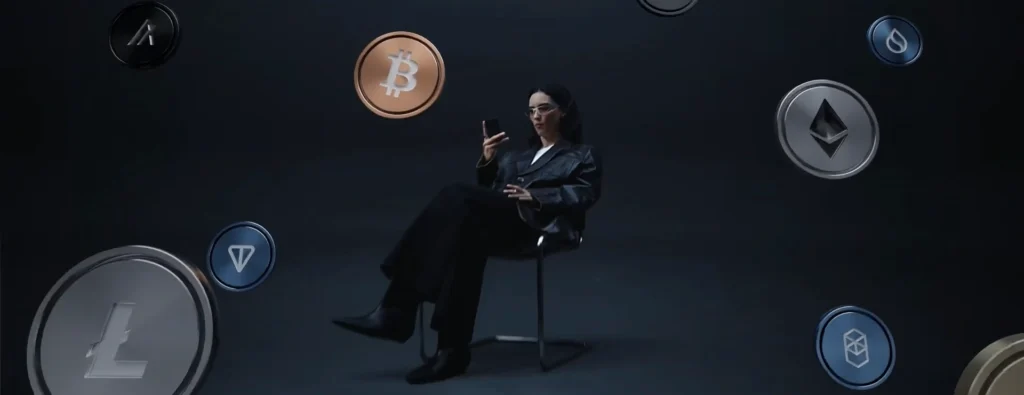
OneKey claims to support over 30,000 tokens through the blockchains available in app, making it one of the most diversely integrated wallets out there.
The Pro is also a good option for NFTs, supporting Solana, Ethereum, BSC, Polygon, Optimism, Arbitrum, and Avalanche.
OneKey Security: Past Mistakes, Improvements Made
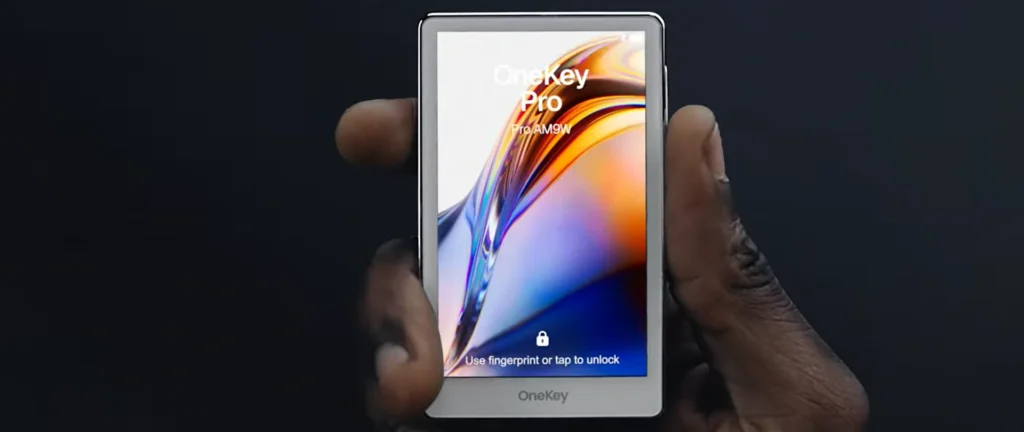
OneKey Pro rocks 4 EAL 6+ secure element chips made by Chinese manufacturer Tongxin Microelectronics Co, which is currently the industry standard level for top security.
But why 4 chips when most other wallets have 2 chips?
The brand explains reasons for this design in 3 parts: security architecture, fault tolerance/redundancy and firmware/upgrades.
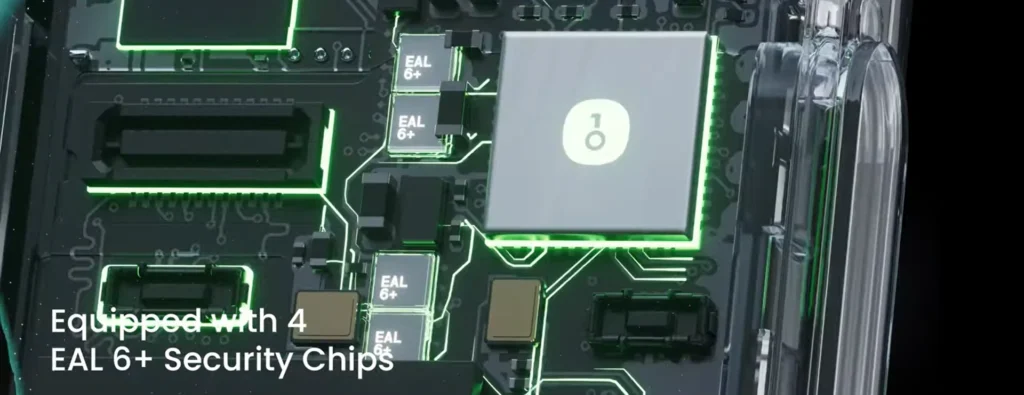
Architecture-wise, 4 chips allows operations to be split onto multiple chips, meaning they need to cross-verify. A hacker would need to comprise multiple chips, which is more difficult.
Another benefit is validation and secure cross checking, making the device long-term durable.
Lastly, additional features such as mutli-stage verification, complex key-handling schemes and stronger anti-tamper logic make the device more future proof.
We cannot confirm nor deny whether 4 chips is actually better than 2, but it is an interesting design apart from the 2 chip norm. But as mentioned earlier, this may have more strain on power and battery life.
Onekey has audited all of their products through Slowmist, a company with vast experience in the space. There’s an in-depth report publicly available on the Onekey Pro.
According to Slowmist, the Pro passed the audit and gave their feedback for future security enhancements.

In 2023, crypto rescue and recovery company Unciphered found a ‘massive critical vulnerability’ in the since discontinued OneKey Mini, allowing them to ‘crack’ the device.
Unciphered reported this bug to Onekey, which was promptly patched before announcing it, and a bounty was collected for important findings.
OneKey devices are 95% open sourced, including every part of its firmware and software. But the secure element chip from TMC requires an NDA agreement, and is closed source. Take a look at their Github for more info.
OneKey Classic 1S Reputation & Reviews

As a company, OneKey was established in 2019 in Hong Kong. The brand landed investment from huge players such as Coinbase, Dragonfly, and YZi Labs, aka Binance Labs.
Onekey.so holds a 4.1 out of 5 rating on Trustpilot – a solid score.
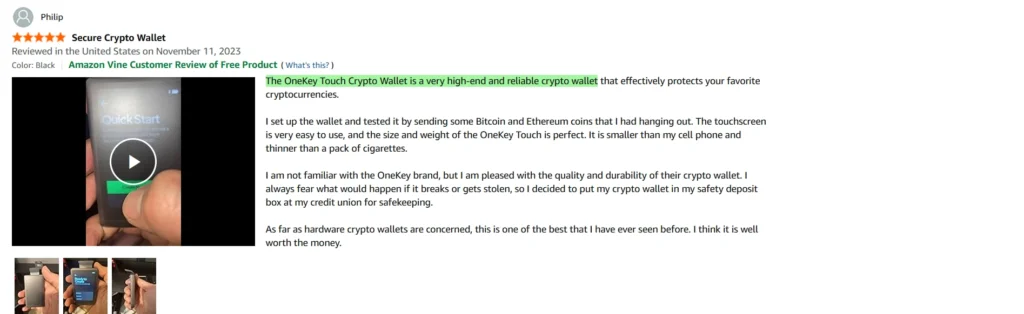
For the Pro device specifically, the hardware wallet holds a 4.0 out of 5 on Amazon.com.
Here’s what users are saying about the OneKey Pro:
It’s weird that on Amazon, about 80% or more of the five star reviews are for the OneKey Touch, which was discontinued.
So OneKey must have replaced the Touch listing with the Pro for some reason. It feels a bit disingenuous to have good reviews here that aren’t about the actual hardware wallet advertised.
To contact support, either go directly through the app in the dashboard or settings. Alternatively, open their website at onekey.so and talk with the chatbot.
As per usual, check their socials, metrics and what users are saying to get a better idea of the brand.
OneKey Pro Vs. Other Crypto Wallets
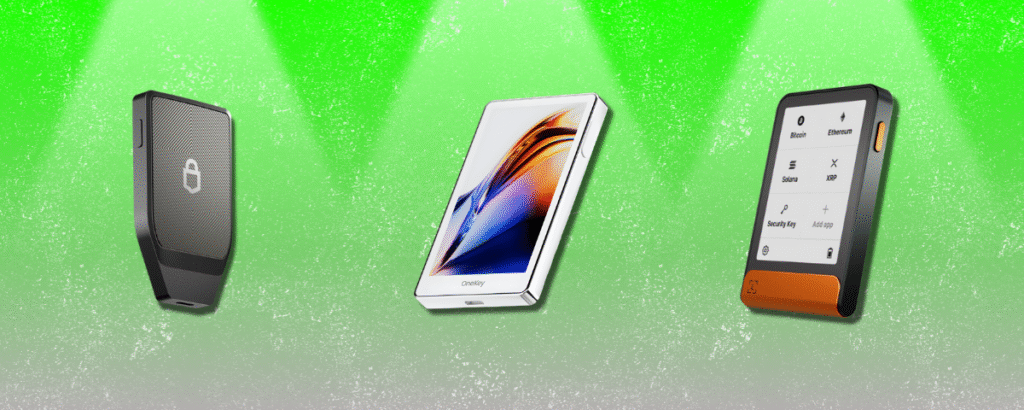
How does the OneKey Pro ($278) differ from other popular hardware wallets we’ve reviewed?
OneKey
- OneKey Classic 1S ($99): USB or Bluetooth, 4 buttons, similar build quality, same app and security, better value.
Ledger
- Ledger Nano S Plus ($59): USB only, 2 buttons, smaller screen, similar security, better app and build quality.
- Ledger X ($149): USB-C or Bluetooth, 2 buttons, smaller screen, similar security, better app and build quality.
- Ledger Flex ($249): bluetooth or USB C, NFC, touchscreen, additional features, similar security, better app and build quality.
- Ledger Stax ($399): essentially same as Flex, but with a curved screen and label binding.
Trezor
- Trezor Safe 3 ($79): USB-C only, 2 buttons, less token support, similar security and better build quality.
Tangem
- Tangem card ($70): NFC, no battery, faster transactions, worse app, less secure.
- Tangem ring ($160): same as Tangem card.
Safepal
- Safepal S1 ($50): QR code scanning, similar build quality, app and security.
- Safepal X1 ($69): 12 buttons, USB-C or Bluetooth, similar build quality, app and security.
Ellipal
Ellipal Titan 2.0 ($149): touchscreen, USB-C or Bluetooth, better build quality, similar app and security.
CoolWallet
- CoolWallet Go ($69): NFC, no battery, faster transactions, less secure.
- CoolWallet Pro ($149): weak battery, small screen, clunky, slow.
Cypherock
- Cypherock X1 ($149): USB-C only, joystick, 4 card backups, worse app, similar build quality and security.
Secux
- Secux Neo X ($179): USB C or bluetooth, bulky, worse build quality and app, similar security.
Final Thoughts: Manufacturing Issues Makes This Wallet A Pass
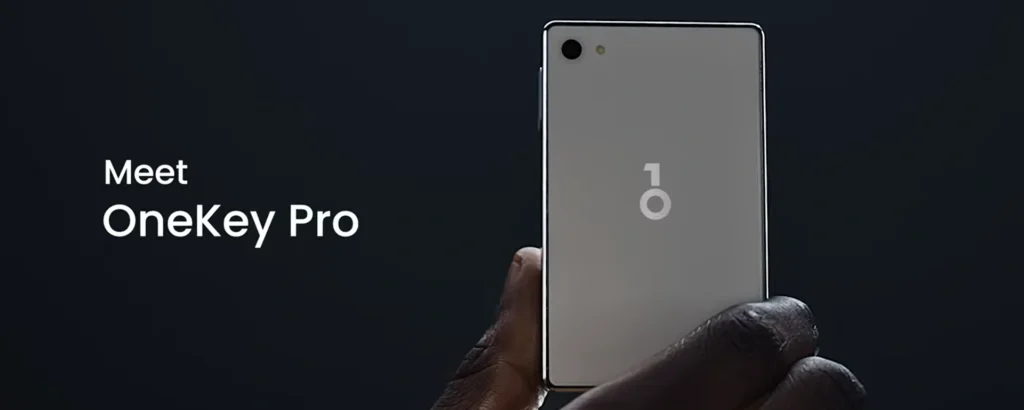
I really wanted to like this device.
It has all the parts we look for in a hardware wallet, from design and security to advanced features and token support. But until some changes are made, the value just isn’t there.
Starting with the positives.
OneKey app is always a smooth, seamless experience. And it gets better after each use.
OneKey Pro also appears to have their security on lock and the 4 chip design is intriguing as a concept.
Also the brightness of the screen was the sharpest and clearest yet on a wallet.
Lastly, we get so much token support as well as some of the best NFT integrations.
But here’s the caveats.
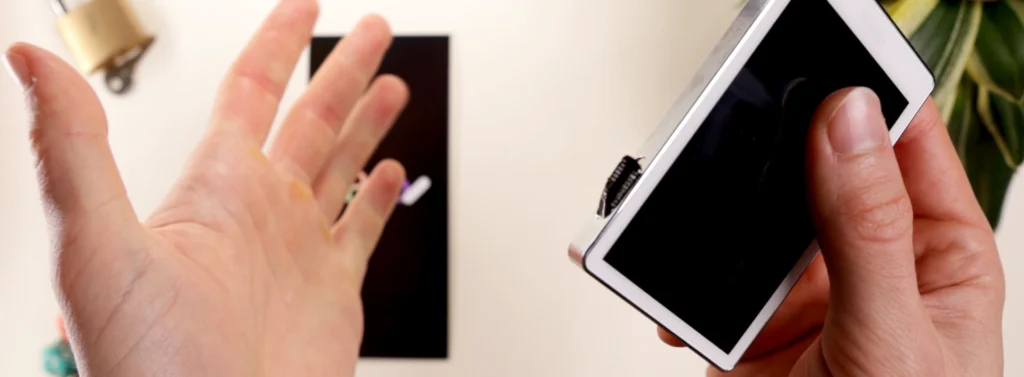
It shouldn’t be this easy to break a device. Especially when OneKey expects users to pay $278 for a ‘premium’ device. No security is ‘future-proof’ if the hardware can break on day one!
This is the main fault that OneKey should look into for the next version.
Another factor that’s worrying is leaving up the OneKey Touch reviews on Amazon. Users seemed to love that previous device, but the same reputation didn’t shine through for the Pro.
The higher battery usage could also be worrying for longevity and ease of use if charging becomes an issue.
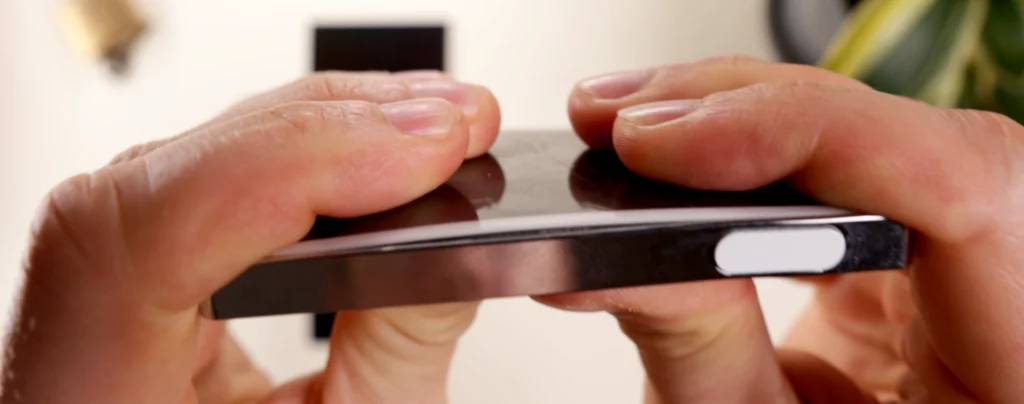
And lastly, the build just isn’t as good compared to premium brands such as Ledger, Trezor and Ellipal. As you can see, the device reacted awkwardly to bends and twists, which is never a good sign.
So would I recommend the OneKey Pro?
In its current state… no.
There’s just much better value around the same price, such as devices like Ledger Flex and Trezor Safe 7. Until changes are made, it’s best to try some other hardware wallets which have better build quality and longevity.
But if you want to grab one anyways, check the link below.
For more in-depth breakdowns like OneKey Pro, explore other crypto reviews on the site.
Thanks for reading and catch ya in the next review!
What the difference between OneKey Classic 1S and Pro?
The OneKey Pro has a 3.5 inch color touchscreen, signing with camera, fingerprint lock and haptic feedback. Signing with the camera is considered air gapped.
OneKey Classic 1S has a smaller led screen with four buttons to navigate.
Pro has four secure element chips while Classic 1S has two.
Is OneKey Pro open sourced?
Only the secure element chip is not open sourced due to the signing of an NDA agreement with the chip manufacturer. This makes the cold wallet 95% open sourced.
Take a look at their github here for more info.
Is OneKey Pro compatible on all devices?
Yes, the Pro is available on iOS, Android, macOS, Windows and Linux.
What if I lose my OneKey Pro device?
Since you must generate a seed phrase to set up the hardware wallet, this is the key to access your crypto.
Do note that hardware wallets help you connect to the blockchain, but do not actually store any cryptocurrency themselves.
What is the expiry or shelf life of the OneKey Pro?
It’s generally standard for screened cold wallet devices to last between 3-5 years. This depends on battery and screen quality.
Is OneKey Pro safe and secure?
OneKey follows traditional hardware wallet security by allowing users to check transactions on both the device and app.
It seems that the brand has learned from their mistakes with the OneKey Mini to make improvements for future devices such as the Pure, Classic 1S and Pro.
Remember to never share your seed phrase anywhere!