
🛡️ Secure checkout · Official site
Has Ledger Recovery Key Solved The Seed Phrase Problem?
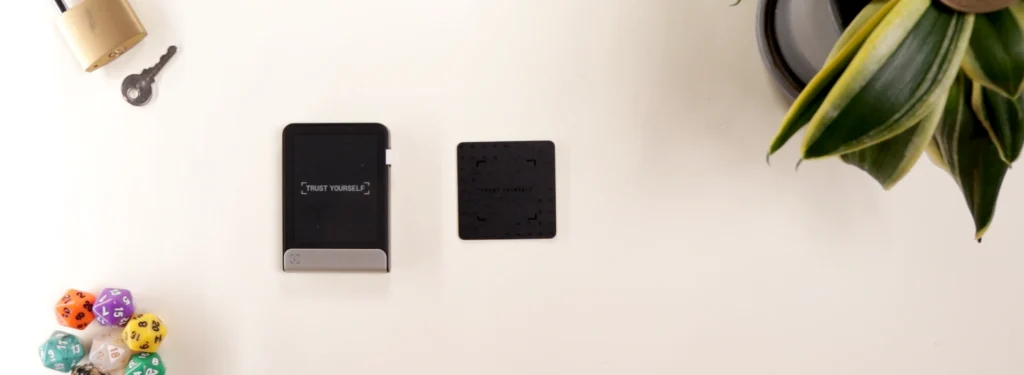
Since the dawn of crypto, we’ve been using these 24 word seed phrases, which is literally the master key to your assets. But unfortunately, these paper backup sheets have many problems.

With only one backup, the chance of losing that seed phrase becomes worrying. And on top of that, these words are exposed at sight, meaning anyone can physically take and steal your assets by reentering them.
Paper is also easy to destroy.
That’s where the Ledger Recovery Key comes in!
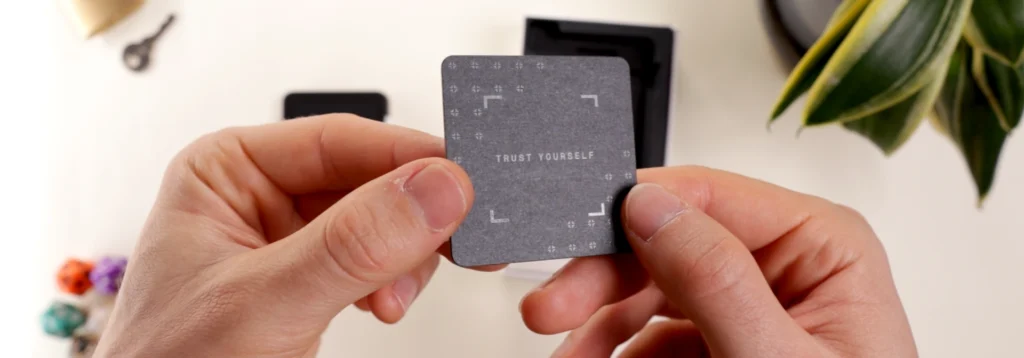
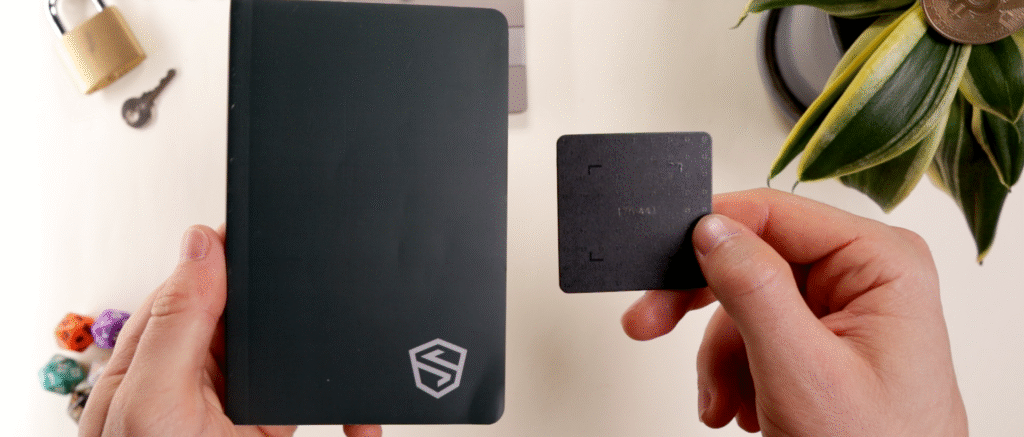
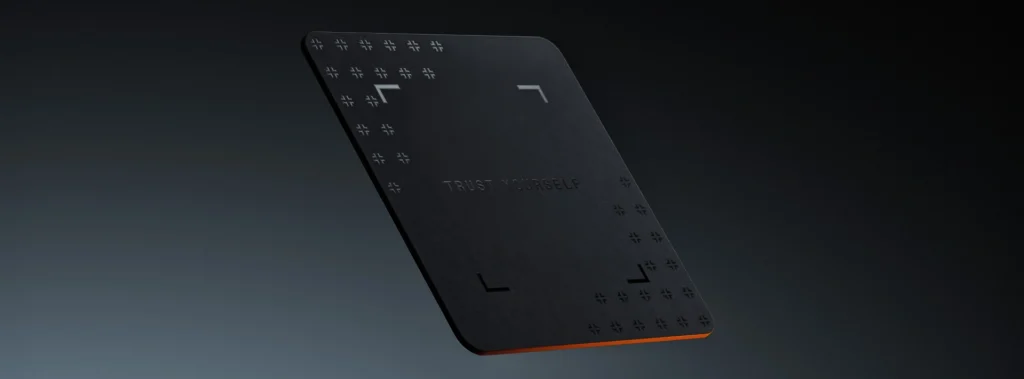
This small plastic card contains the same secure element chip inside Ledger devices, allowing it to make an offline copy of your seed phrase.
No words, and with the added protection of a pin code to access it. So even if someone stole it or you lost it, the words are never exposed.
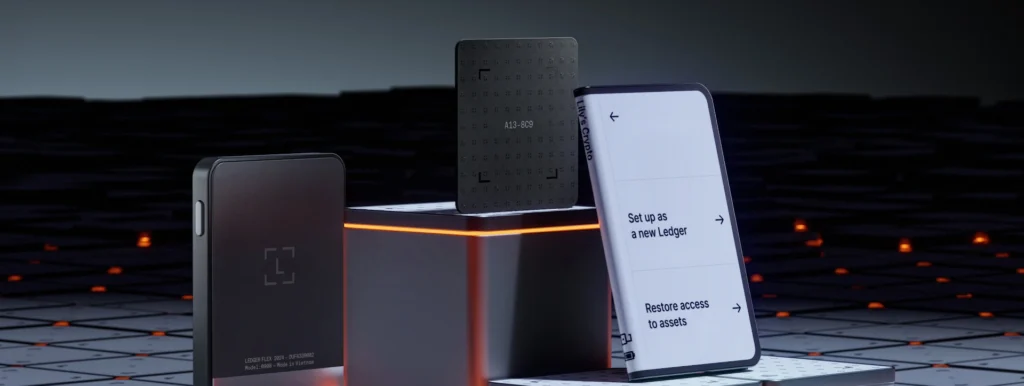
The Key connects using NFC by tapping it on the back of the device as you would a credit card at the shop.
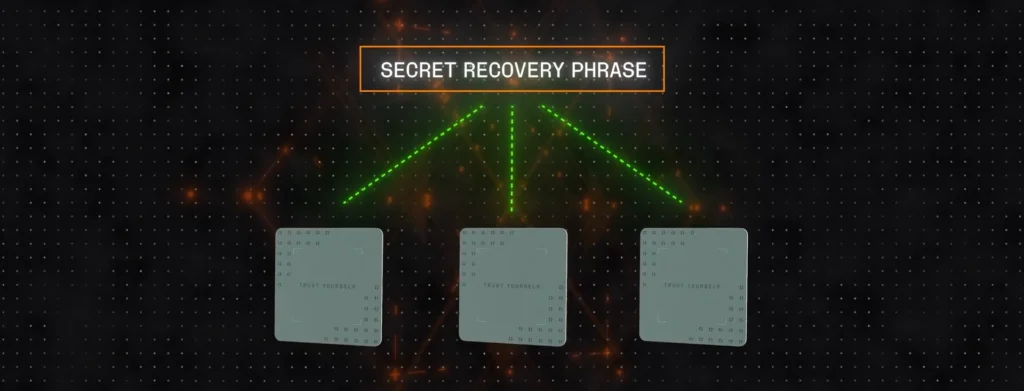
Do note that Ledger states this is NOT A REPLACEMENT of your seed phrase, but instead a backup copy.
Think of it like Tangem, where you can generate a seed phrase but also use all 3 cards as backups in case one is lost.
You want all of them to have the best chance to recover your tokens.
Incredibly Easy Setup With Ledger Recovery Key
Ledger Recovery Key comes included with every Flex, GEN5 and Stax device, which is a huge perk.
To set it up, go through the normal Ledger setup. Download the app, connect via bluetooth and enter a pin code.
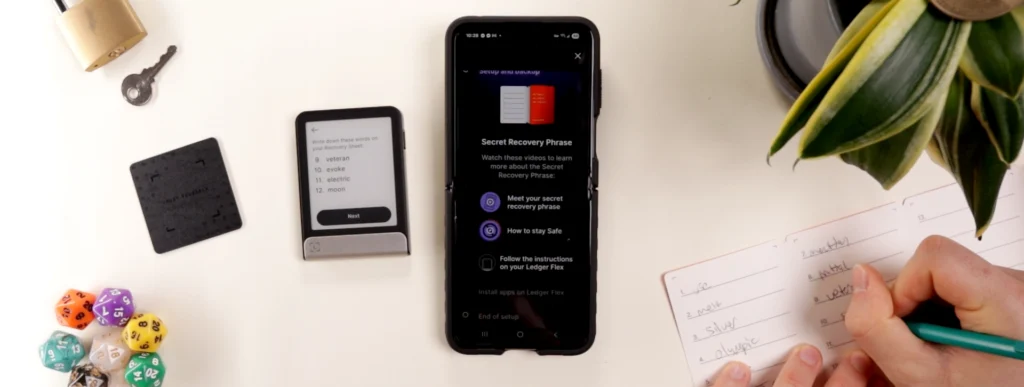
Just like the normal setup, we first need to write down the 24 word recovery phrase. This will stay as the master key to our tokens.
Then confirm all words on the device.
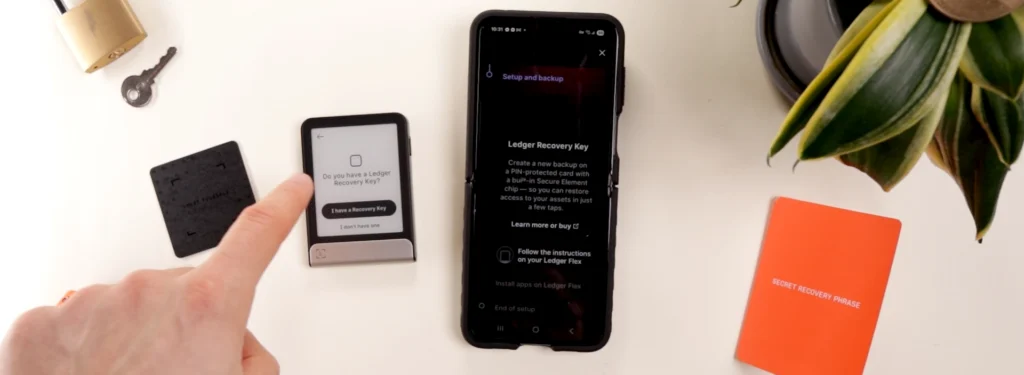
We’re then prompted to add a Recovery Key.
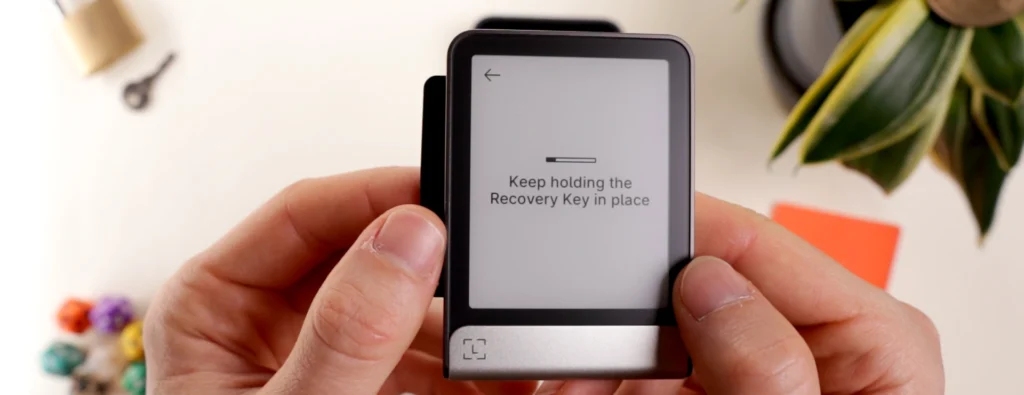
Tap ‘I have a recovery key’ and the device will start searching. Hold the backup card to the back of the signer using NFC for about 5 seconds.
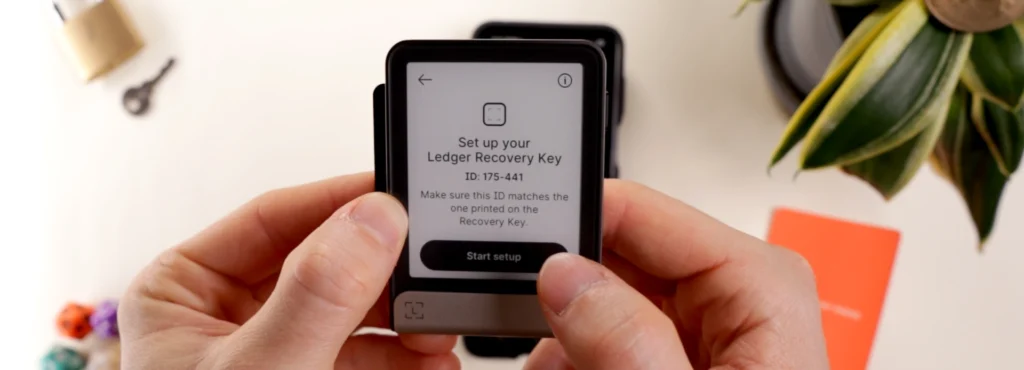
Click ‘start setup’.
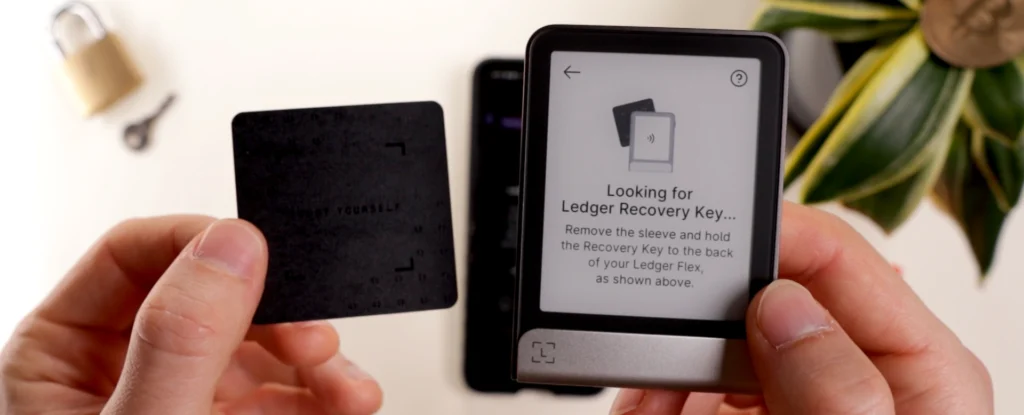
Add a pin code specifically for the Recovery Key. This can be the same pin as your device if you’re afraid of forgetting it.
Lastly, name it to differentiate between multiple Recovery Keys if wanted, and then hold it to the device to confirm.
Lost Your Seed Phrase? Ledger Recovery Key Has You Covered!
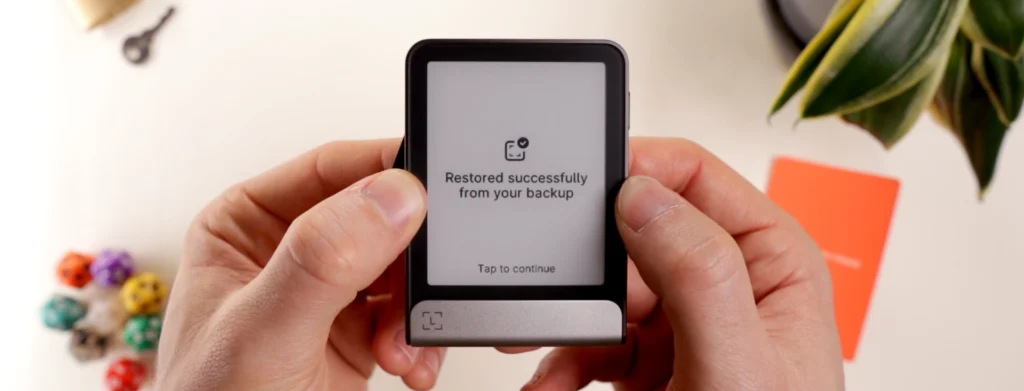
Okay, so let’s say you lost your seed phrase.
But then you remembered you set up a Ledger Recovery Key and stored it safely.
After the device is reset, we’ll go through and set a new pin code like usual.
But this time, instead of setting up a new Ledger, press ‘restore access to assets’.
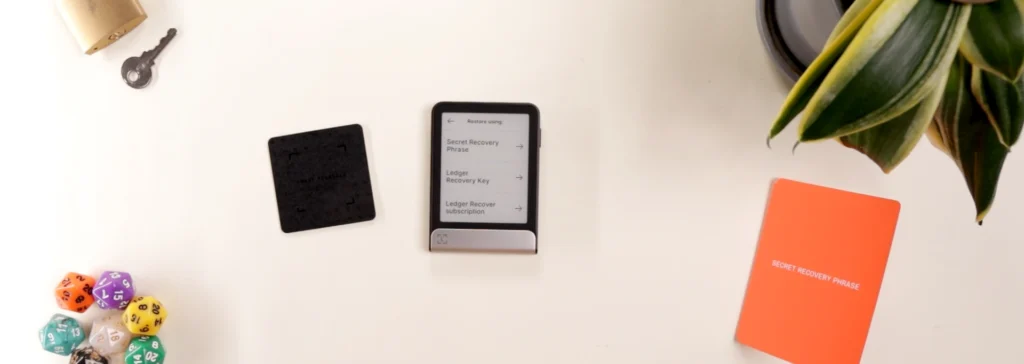
Then we can see the new option ‘Ledger Recovery Key’.
Enter the Recovery Key’s pin code and hold it to the back of the Ledger device. This is monumentally faster than entering 24 recovery words.
Ledger Recovery Key vs. Other Crypto Seed Backups
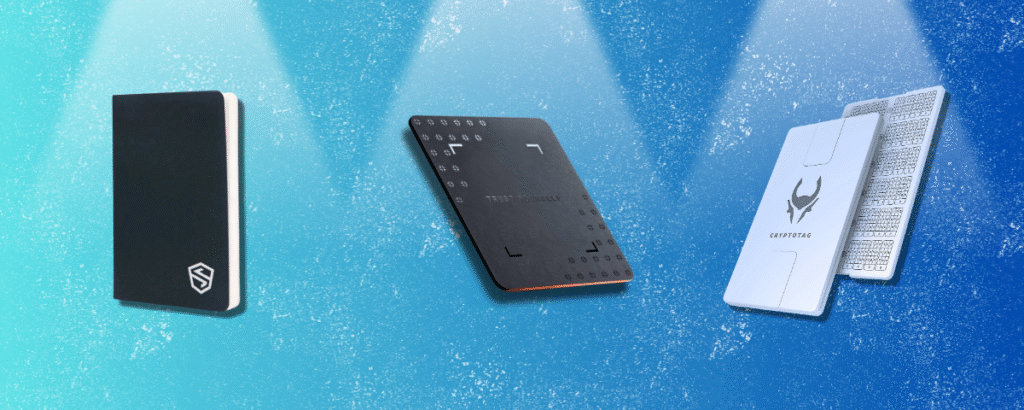
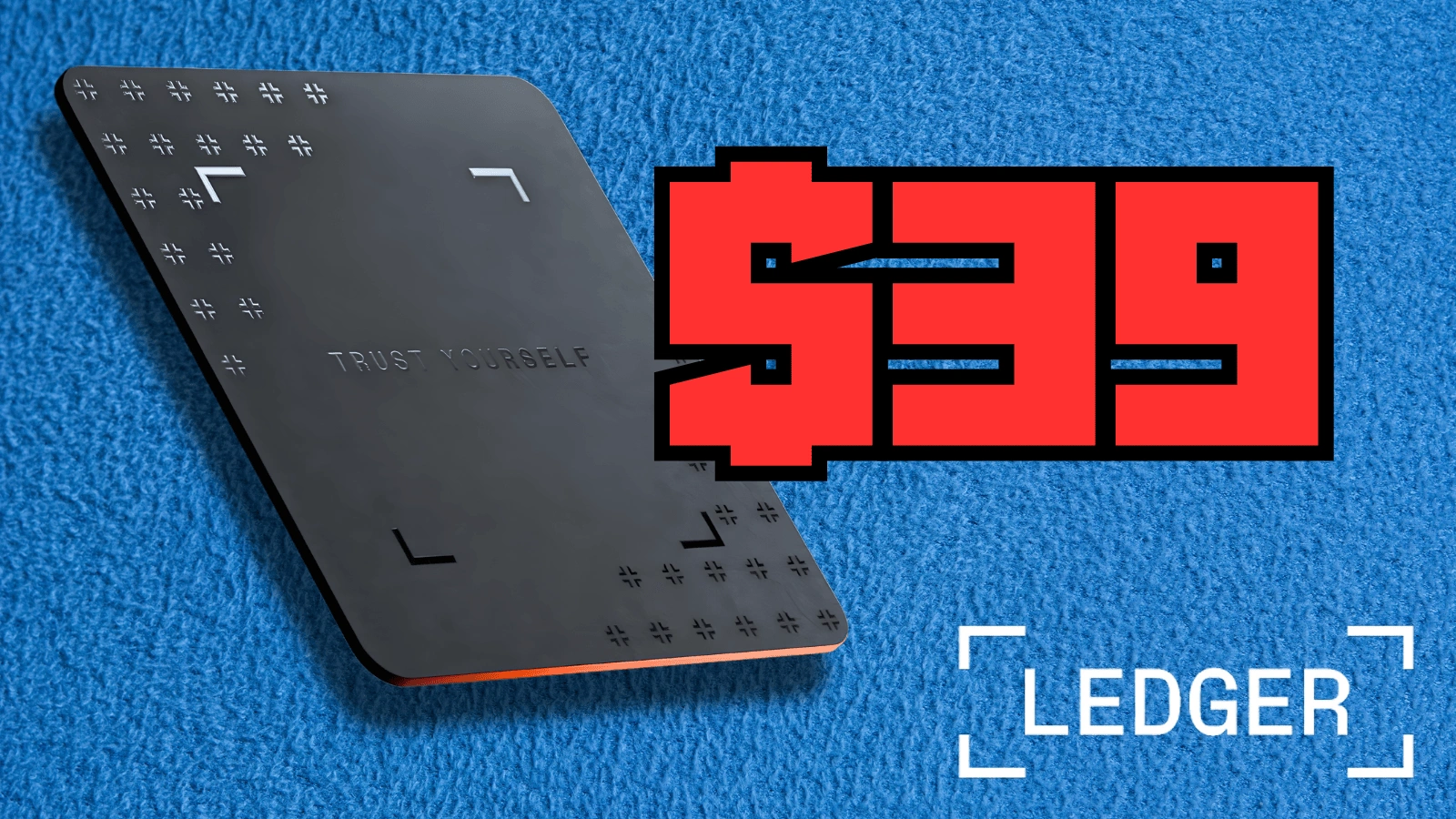
Let’s compare Ledger Recovery Key ($39) to some other seed backup options we’ve tested.
One of the only problems with this seed backup is that it’s made of plastic material.
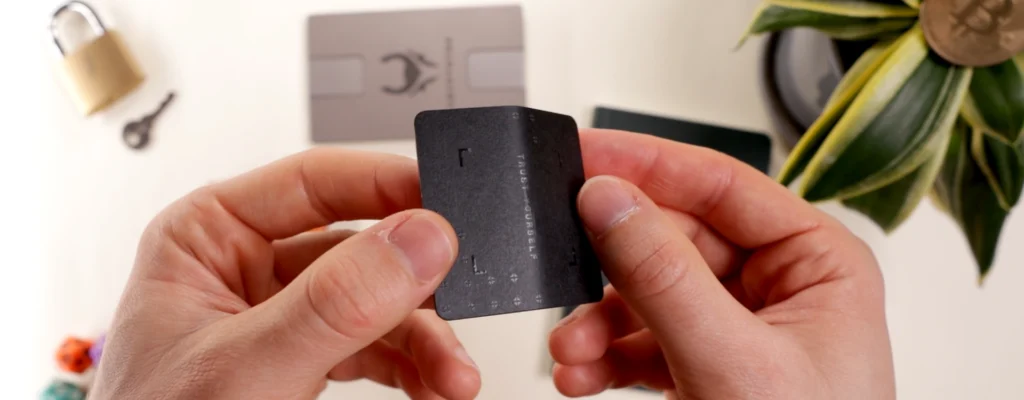
The card is semi difficult to bend, but when more force is applied, a serious crease is formed. Although this doesn’t destroy the integrity of the device, is does question it’s longevity.
On top of this bend test, one can assume the backup is quite weak against fire, and water resistance is not mentioned by Ledger.
Cryptotag
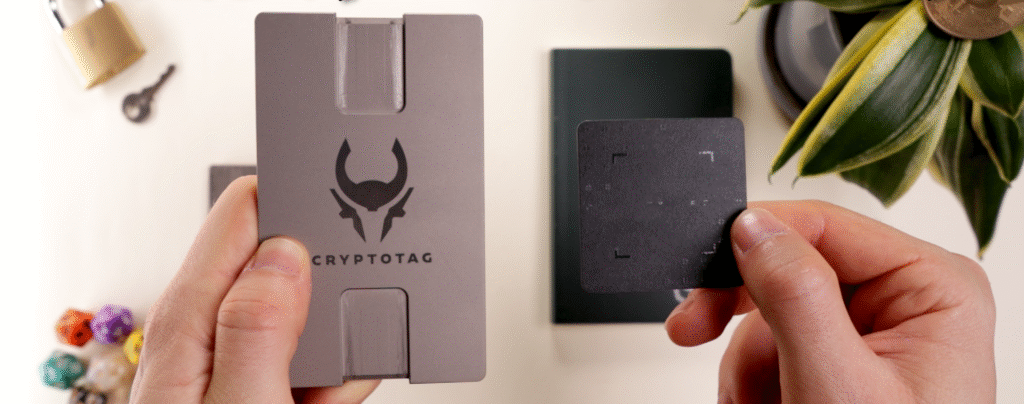
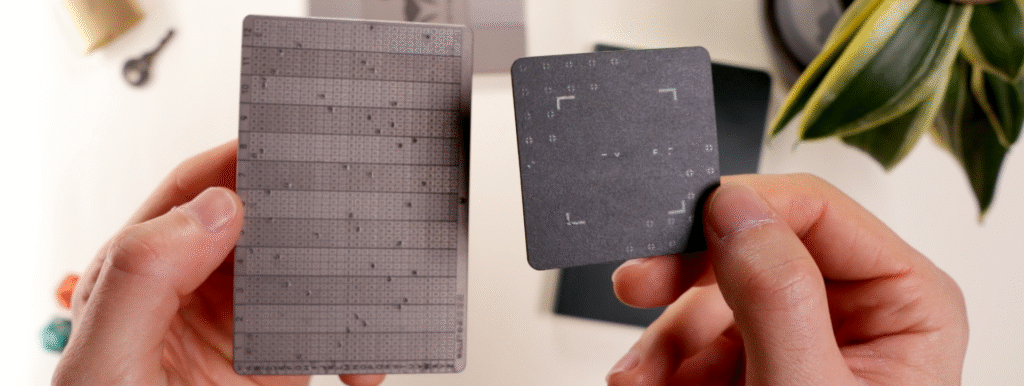
- Cryptotag Zeus ($149): much bigger and heavier with 2 Titanium plates, less compact, less intuitive setup, higher price, resistant to all elements, can use with any seed phrase
- Cryptotag Zeus ($89): bigger and heavier with 1 Titanium plate, less compact, less intuitive setup, higher price, resistant to all elements, can use with any seed phrase
Shieldfolio
- Shieldfolio Stonebook ($35): 80 stone paper pages, water resistant, not fire proof, store passwords and other info, UV pen for anonymous security, stores multiple seed phrases, can use with any seed phrase
Sead
- Sead Safe ($79): digital only, generates QR codes as multisig, more difficult to manage, connects to an online device, unlimited seed storage, can use with any seed phrase
It’s important to note that of all the backups tested so far, Ledger Recovery Key is by far the easiest to set up, and also the thinnest one, allowing it to be stored and hidden in the most unexpected places.
Final Thoughts: Great Free Option, But Why Just 1 Seed phrase?

Although there’s some excellent backup options on the market, it’s awesome that a top wallet brand such as Ledger is offering a free seed backup solution to their users.
They’ve been quite clear over the years that seed phrases aren’t going anywhere, so making copies of the seed phrase in a convenient, secure way is an innovative way to give users more peace of mind.
You’d never store a seed phrase out in your house right?
Well, the fact that the recovery words are never exposed and it needs a pin code for recovery means you could actually store it out in plain sight where you’ll definitely remember it.

That is an advantage over traditional backups.
But hopefully in the next generation models, these plastic cards can be made of a more durable material which is fire resistant at house fire temperatures.
Due to this reason, Cryptotag is better for cautious users wanting protection from all elements.
And perhaps the biggest question is, why can this recovery card only store 1 seed phrase?
Surely Ledger could allow the key to store say 10 different seed phrases.

That type of backup might be even more practical, because for those of us with 10 plus seed phrases, it would be pretty cool to be able to store all of them in one place, without needing to be brand specific.
So should you buy the Ledger Recovery Key?
As a free option included with each Ledger device, it’s a great deal. But $39 for only storing one Ledger seed phrase is hard to justify when it’s only $89 USD for the Titanium Cryptotag Loki which has way more protection.
But if you want to grab one, check the link below.
For more in-depth breakdowns like Ledger Recovery Key, explore other crypto reviews on the site.
Thanks for reading and catch ya in the next review!
How much does Ledger Recovery Key cost?
Ledger Recovery Key is free with all GEN5, Flex and Stax signers. If you want to purchase it separately, it costs $39 USD.
How many seed phrases can Ledger Recovery Key store?
The Legder backup can only store one seed phrase.
Can I use it with seed phrases from other brands?
No, the backup only works with Ledger.
Is it possible to reset the Ledger Recovery Key?
Yes, at any time you can their reset it or change the PIN code.
What is the Ledger Recovery Key made of?=?
The Key is made of plastic and is bendable.
Is Ledger Reecovery Key secure?
Yes, the Key uses an EAL 6+ secure element chip, the same one that protects all Ledger signers devices. Also, the Recovery Key never exposes the seed words and is protected by a PIN code for extra security.